
Enhancing User Experience in Qlik Sense Analytics Cloud Through Custom Themes. Delivering a seamless and engaging user experience (UX) is essential for any analytics solution, especially in enterprise environments where consistency, clarity, and brand identity matter. Qlik Sense Analytics Cloud offers powerful visualization capabilities, but its true potential emerges when applications are styled with intentional and coherent design. This is where custom themes become a key ingredient.
What Are Themes in Qlik Sense?
In Qlik Sense, a theme is a collection of predefined visual rules and settings that define the look and feel of an application. Themes allow developers and designers to apply consistent styling across sheets and visualizations, ensuring that the analytics experience not only communicates insights but also aligns with organizational branding.
Why Themes Matter for User Experience
A carefully crafted theme contributes to the user experience in several ways:
- Visual consistency: Users can focus on insights instead of adjusting to inconsistent styles.
- Brand alignment: Ensures your analytics reflect corporate identity and design language.
- Improved accessibility: Color contrast, font size, and visual hierarchies can be optimized for clarity.
- Faster development: Reusable style definitions help teams build dashboards faster and with fewer manual adjustments.
Creating a Qlik theme typically requires working with JSON files and Qlik’s theme specification. While straightforward for developers, it can be time-consuming, especially if you want to iterate on designs quickly. This is where third-party theme-building tools become highly valuable.
Accelerating Theme Development with Third-Party Tools
While you can hand-code themes in JSON, using specialized tools can greatly reduce development time and eliminate guesswork. Two notable solutions, SenseTheme by Bitmetric and the Theme Creator for Qlik Analytics Apps, make designing and deploying custom themes significantly more accessible.
SenseTheme.com by Bitmetric
SenseTheme is an online tool designed specifically to streamline theme development for Qlik Sense. It enables you to interactively configure theme settings and instantly preview changes, without writing any code.
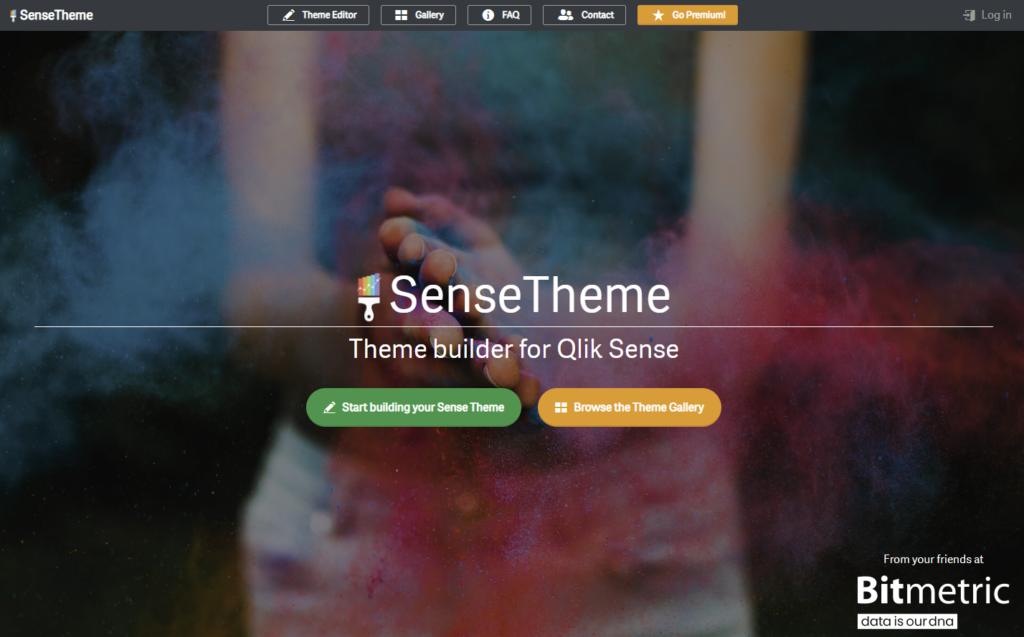
Key capabilities of SenseTheme:
- Interactive UI to configure fonts, colors, and layout
- Real-time previews of charts and UI elements
- Export-ready theme packages compatible with Qlik Sense Enterprise and Cloud
- Rapid prototyping capabilities for testing different design directions
Theme Creator for Qlik Analytics Apps
Theme Creator for Qlik Analytics Apps, available online at https://qsthemecreator.azurewebsites.net. This tool focuses on simplicity and accessibility, enabling users to design custom themes without any coding knowledge.
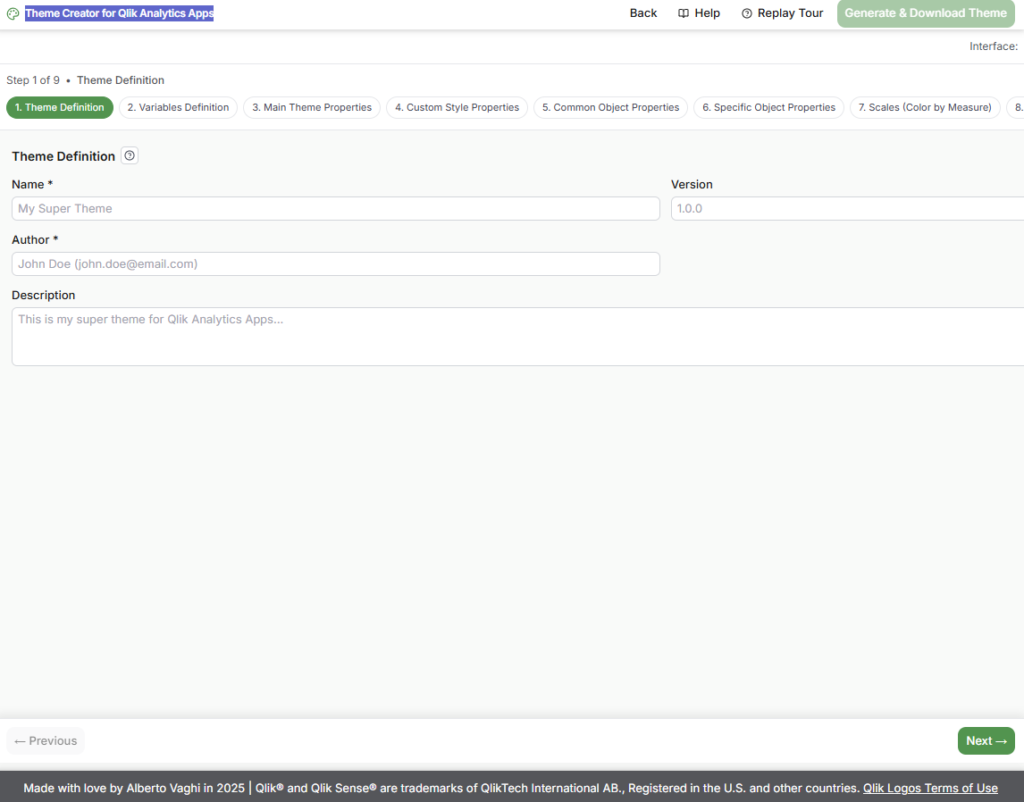
Highlights of the Theme Creator:
- No technical expertise required
- Friendly interface for selecting colors, fonts, and styles
- Automatically generates the JSON theme file
- Quick export and easy deployment into Qlik Sense
Benefits for Non-Developers
Business analysts, designers, and power users can create and maintain themes independently, enabling faster iteration and empowering teams who do not want to dive into JSON.
Conclusion
Custom themes in Qlik Sense Analytics Cloud are powerful tools for elevating user experience, ensuring that analytics solutions are not only insightful but also coherent, accessible, and aligned with organizational branding. While developers can create themes manually, using third-party tools such as SenseTheme.com by Bitmetric or the Theme Creator for Qlik Analytics Apps vastly accelerates the process.
By leveraging these tools, organizations can:
- Deliver polished and professional analytics applications
- Strengthen brand identity within their BI environment
- Improve usability and visual clarity for end-users
- Reduce development time and manual styling work
In an analytics landscape where design and UX are increasingly important, adopting a structured approach to theme creation is a small investment with significant impact